Free Chrome extension
Board Sync reads the winner's username from your Whatnot show and puts it on your Dobaxk board automatically.
Add Board Sync to Chrome — freeRead the setup guide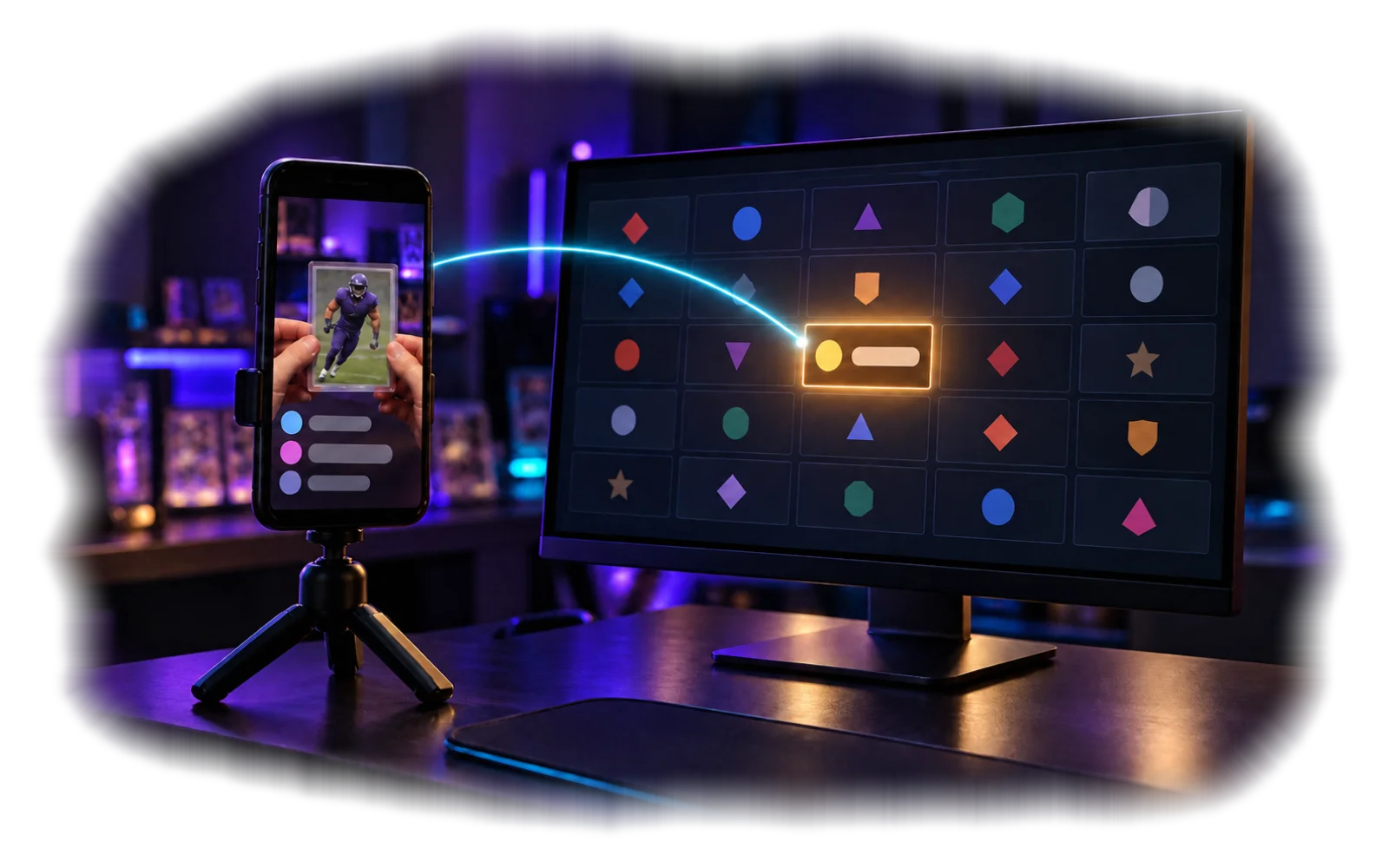
NFLNBAMLBNHLWNBAMLS
The bottom line
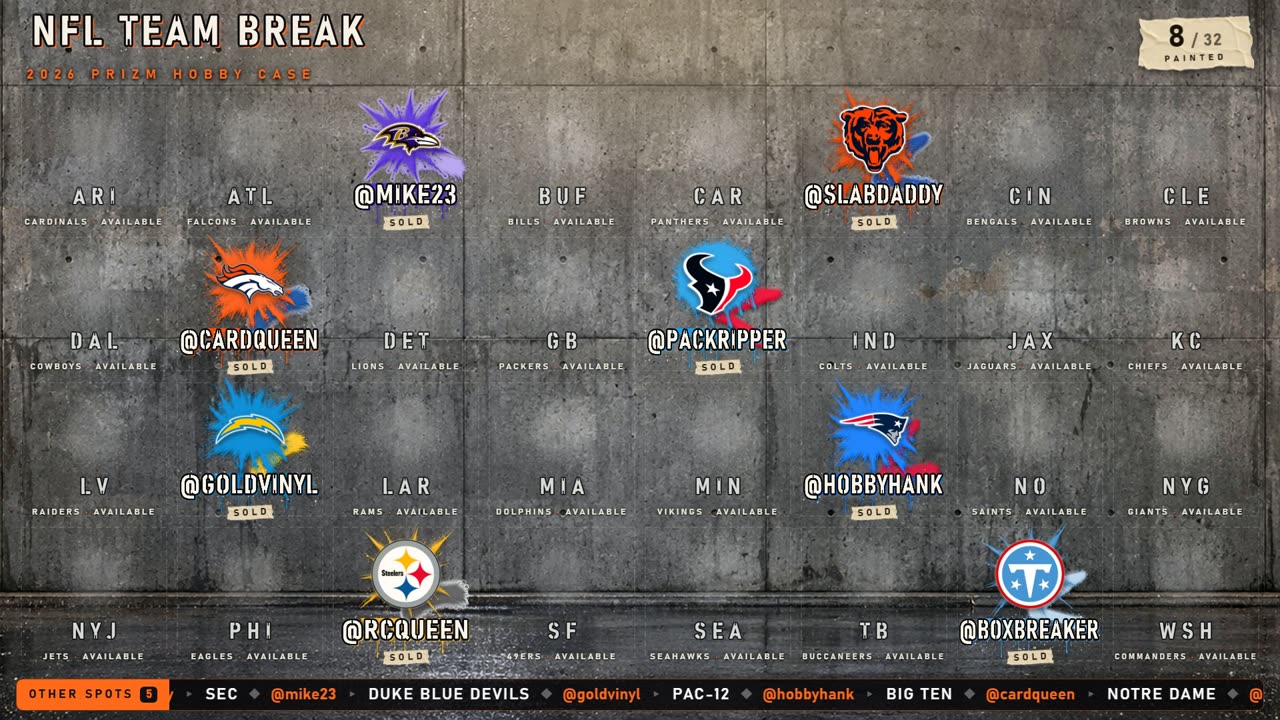
Sold a college team, a conference like Big Ten, or anything else that has no tile? It goes on the Other spots line, which scrolls along the bottom of the board with the buyer's name and a running count.
- AutomaticBoard Sync spots a sale that isn't on the board and adds it to the line for you.
- By handType
@bob Big Tenin the other-spot box on the edit page and press Enter. - Fix itIn edit mode, click an entry to remove it.


- Your board
- Running on your Windows PC.
- Chrome
- With Board Sync installed.
- Your show
- Open in a Chrome tab.
You can still enter buyers by hand.

- Start your board and leave it running.
- Open your Whatnot show in Chrome.
- Open Board Sync and check that it has found the board.
- Run a test sale before going live.
Does it cost extra?
No. Board Sync is free.
Which boards does it work with?
All 27 Dobaxk boards. See every board.
Do I need it to use a board?
No. You can type the buyer's name on the board's edit page.
Is it made by Whatnot?
No. Board Sync is independent and is not affiliated with Whatnot.
Where can I check its permissions?
The extension listing and the legal page will describe its permissions before the download opens.